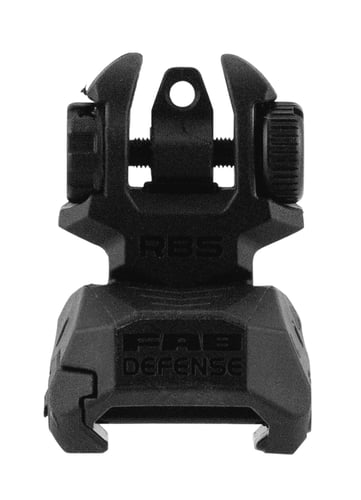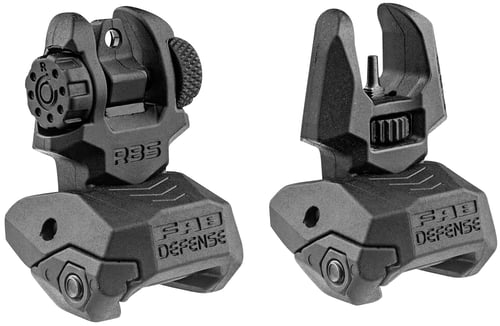
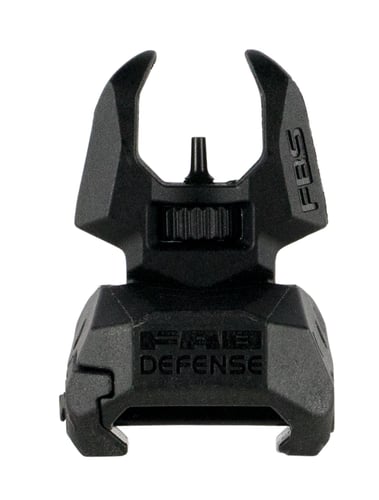
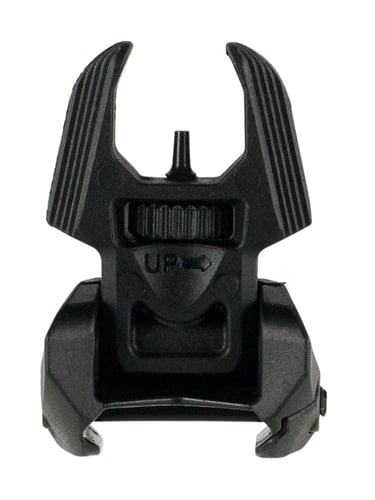
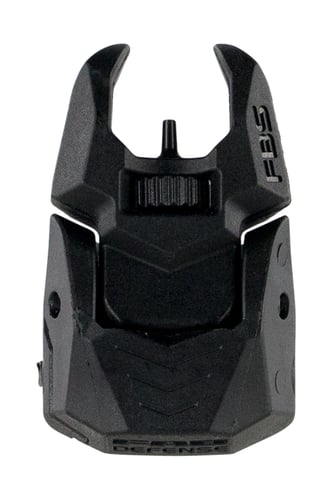
FAB Defense FXFBS Front Back-Up Sight for AR-15/ M16/ M4 Low Folded Profile Spring-Locked Deployment Black Polymer & Metal
 Be the first to leave a review!
See Price in Cart
product code:FXFBS
UPC:7290105942005
Brand:FAB Defense
availability: In stock
FBS is an advanced, low-profile, durable, auxiliary front sight. It can be used with any rear sight, but has been designed to provide an extreme optical advantage. Its sight pin elevation is easily and quickly adjusted without tools. The FBS is readily mounted on any 1913 Picatinny rail, making it ideal for use on M4/AR-15/M-16 platforms. The sight can be used as a primary or back-up sight and the ergonomic angel-wing-shaped front shroud helps center the image with any rear sight. When used with a matching FAB Defense RBS Rear Back-up Sight, it creates a precise optical tunnel that ensures more accurate aiming and faster target acquisition. The low folded profile is smooth and inconspicuous and will not snag on gear, webbing or brush. The sight is also made of extremely durable high-grade polymer and metal, and has an instant spring-locked deployment mechanism that will not slip, break or deform.
| Type | Flip Up Front |
| Frame Material | Polymer/Metal |
| Frame Color | |
| Firearm Fit | AR-15/M4/M16 |
| Base Configuration | |
| Style | Folding |
| Front Material | |
| Rear Material | |
| Front Color | Black |
| Rear Color | |
| Rail Size | |
| Windage Adjustment | |
| Elevation Adjustment | |
| Fiber Diameter | |
| Firearm Type | Rifle |