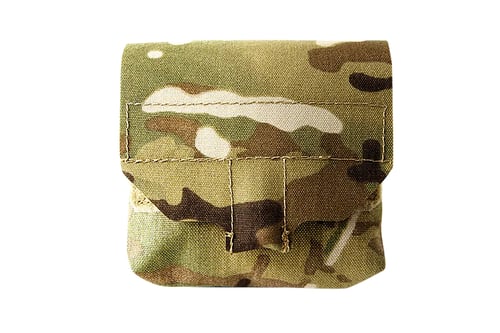
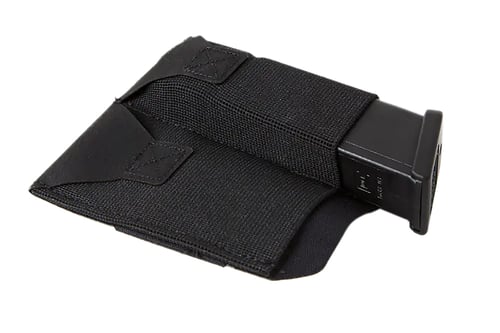
Blue Force Gear BTTSPPISTOL2BK Ten-Speed Pistol Belt Pouch Black Cordura
 Be the first to leave a review!
See Price in Cart
product code:BTTSPPISTOL2BK
UPC:812114022263
Brand:Blue Force Gear
View more from Blue Force Gear
availability: In stock
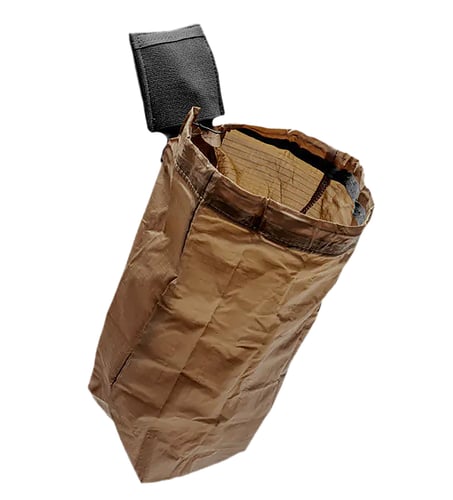
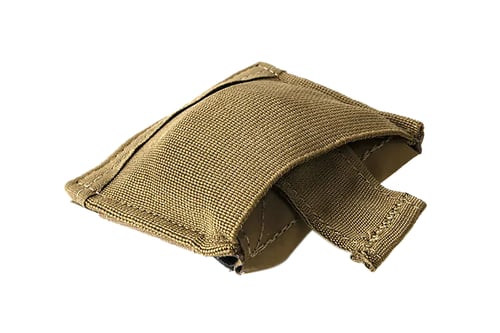
Blue Force Gear-Belt Mounted Ten-Speed® Double Pistol Mag Pouch - Black
Fits:
- Two single or double stack pistol mag
- Two light or multitool
- Similar sized items
Belt Size:
- FIts belts up 2" wide (vertical)
- Fits belts 1.25" belts horizontally
Build:
- Military grade Ten-Speed® elastic front
- ULTRAcomp™ high performance laminate
- Hook and loop belt mounted attachment closure
Weight: 40g
Size: 2.25” x 4.5”
The Belt Mounted Double Pistol Pouch brings combat-proven Ten-Speed multi-use pouches to a belt platform. Whether worn at home on a duty belt or under clothing for concealed carry the Ten-Speed® pouch securely holds two single pistol magazines while allowing for immediate accessibility. The pouch uses a hook and loop closure system to attach to belts or duty belts up to 2.0 inches in width.
The Ten-Speed® pouch has no sharp edges or hard corners making for comfortable all-day carry and allowing the pouch to lay flat when the mag is removed. The front of the pouch is constructed with military-grade elastic sewn to ULTRAcomp™ a high performance laminate as used in MOLLEminus™ and Helium Whisper® pouches.
The Pistol Belt Pouch holds two single or double stack magazine up to and including the HK45 or USP magazine lights multitools or other similar sized items.