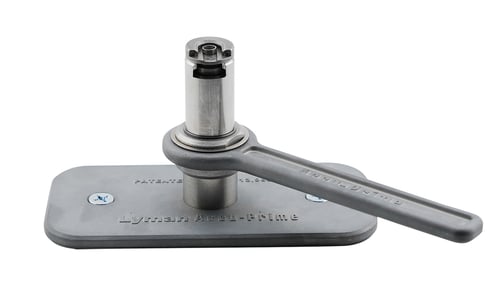
Lyman 7770075 Accu-Prime Priming Tool
 Be the first to leave a review!
product code:7770075
UPC:011516700759
Brand:Lyman
availability: In stock
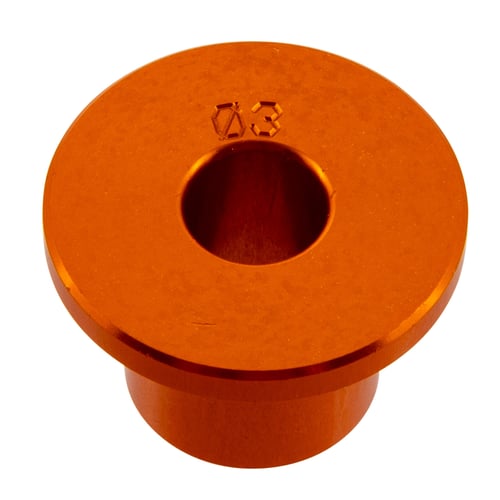
Lyman’s Accu-Prime tool is one of the most accurate and precise priming tools available! What makes this tool so accurate is their patented adjustable priming punch (US Patent #11713950). Other priming tools use the top surface of the rim to hold the case during priming and then either use “feel” for primer depth or a tool stop of some sort. However even tools with a stop are susceptible to rim thickness variations which will then transfer these variations in primer seating depth. Lyman's patented adjustable priming punch is unique in that the primer cup acts as a stop as it contacts the bottom surface of the cartridge case. In this manner you can precisely control the exact amount of primer depth below the bottom surface of the case.
The Accu-Prime also features a smooth working helix camming system to raise and lower the priming punch operated by a unique side lever. Primers are placed into the priming cup by hand and then seated using the 90-degree travel side lever. The tool can be positioned for right- or left-hand operation.
Works with all brands of standard shellholders.
- Top seating accuracy and precision due to our patented primer punch design.
- Fully controllable and adjustable primer depth.
- Smooth operating side handle with unique helix camming design.
- Accepts standard shellholders.
- Right- or left-hand operation.